Free PSD to PDF converter — one page, or a page per layer
Convert PSD to PDF free in your browser: the whole design on one page at its print size, or a PDF with a page for every layer. The PSD is never uploaded, and you do not need Photoshop.
- The page is the PSD’s print size: 2550 × 3300 px at 300 ppi becomes 8.5 × 11 in.
- Transparent areas come out white, like paper.
- A second PDF puts the picture on page 1 and each layer on a page of its own.
Only have a flat image and need it the other way round, in layers? Image to layer splits it into a layered PSD.
Sample · Print flyer
 background
 confetti
 cupcake
 title
 details
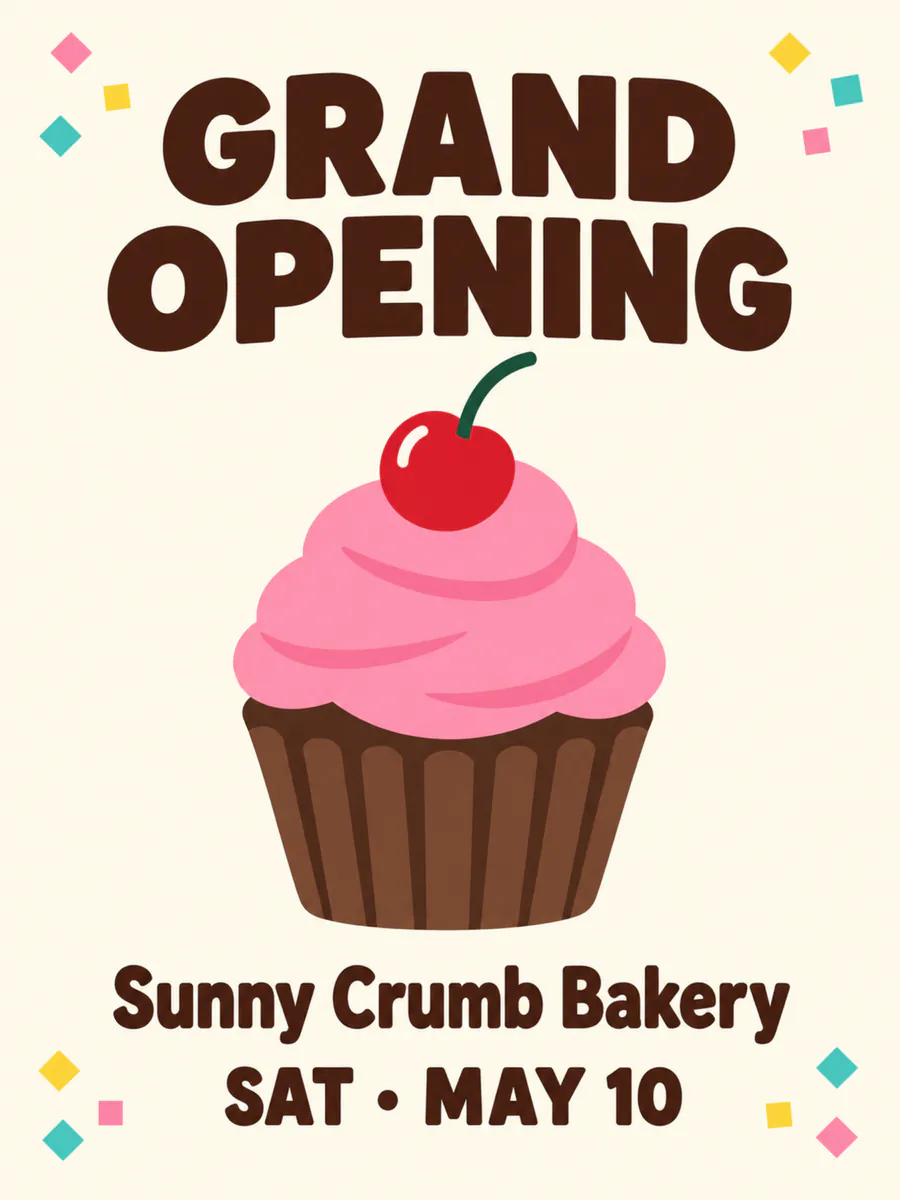
A PSD holds the picture and its 5 layers: save the picture as a one-page PDF, or a PDF with a page for each layer.
Your layers open in the tools you already use






Examples
PSD to PDF for print, proofs and email
What a flat image turns into: the stack on the left, every layer on the right. Download the sample as a layered PSD and open it yourself.
Print flyer
A grand-opening flyer in five layers. Convert the PSD to PDF to send it to a print shop or attach it to an email — a PDF opens on any computer.
- detailsbakery name and date
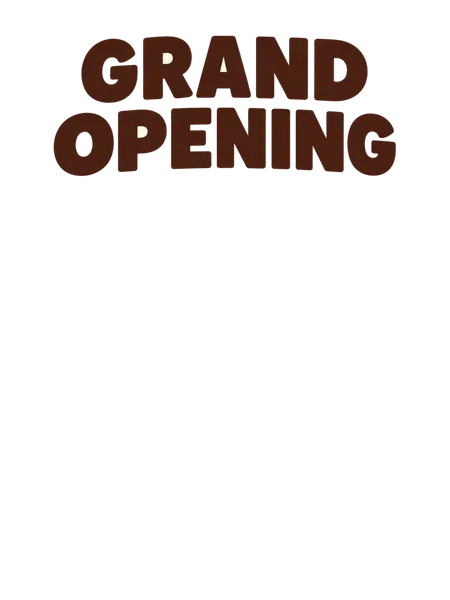
- titleGRAND OPENING headline
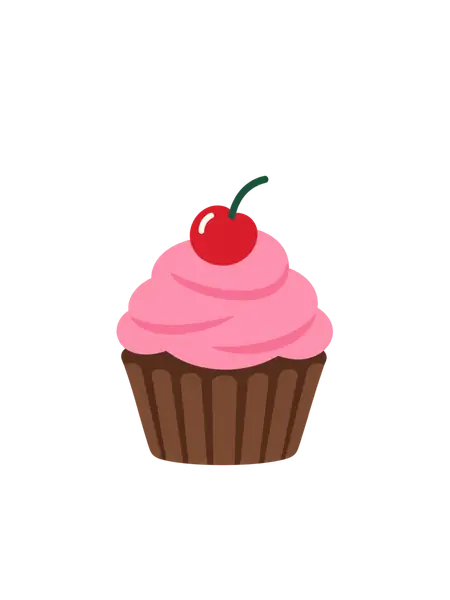
- cupcakepink cupcake with a cherry
- confettitwelve confetti pieces in the corners
- backgroundcream background, rebuilt behind everything
5 named layers, built in your browser as a standard PSD for Photoshop, Photopea and GIMP.
From PSD to PDF
What decides how a PSD to PDF conversion comes out
A PDF opens on any computer, phone or printer, which is why a PSD usually travels as one. Four things decide what the PDF looks like.
 original
 title
 details
 button
One page, or a page per layer
The main download is the design on a single page. The second option adds a page for every layer after it, each on the full canvas in its original place — handy for showing a client or a printer exactly what is in the file.
The page size comes from the PSD’s resolution
A PSD stores its resolution in pixels per inch, and the PDF page is made that size: a 2550 × 3300 px design at 300 ppi becomes an 8.5 × 11 in page, ready to print at its real size. The converter shows the page size on the download button.
A PSD without a resolution is treated as 72 ppi. A page larger than 200 inches a side — the most Acrobat opens — is scaled down to fit.
A picture of the design, not live text
The PDF holds the design as an image at JPEG quality 92, so it looks right without the fonts, but its words cannot be selected or edited. For a print-ready PDF with live text and vector shapes, export from Photoshop instead: File › Save a Copy, then choose Photoshop PDF.
Colour and transparency
The PDF is RGB, and a CMYK PSD is converted to RGB by the browser — fine for email, screens and office printers. A commercial printer that asks for a CMYK PDF needs the Photoshop export. Empty areas of the PSD print white.
How it works
How to convert PSD to PDF
 bakery-opening-flyer.png
Drop the PSD
Saved from Photoshop, Photopea, GIMP or Affinity — the file is read in your browser.
- Sample · 5 layers



Check the page size
The button shows the PDF page size worked out from the PSD’s resolution.
- PSDbakery-opening-flyer.psdSample
- details
- title
- cupcake
- confetti
- +1 more
Download the PDF
One page with the design, or a page for every layer.
Who it is for
Who converts PSD to PDF
Designers sending proofs
Clients cannot open a PSD, but every computer and phone opens a PDF. Send the proof as a PDF and keep the PSD for edits.
Anyone printing a design
Office and home printers print a PDF at its page size straight away — no Photoshop on the computer next to the printer.
Clients who received a PSD
Turn the PSD file into a PDF you can read, forward to a colleague or attach to an email.
Teams filing artwork
Keep a PDF of every finished design beside the PSD so anyone can find and open it later.
A one-page PDF, or a PDF with every layer
Most converters give you the flattened design and nothing else. This one can add a page for each layer. To look through a PSD before converting it, open it in the PSD viewer; and when you have a flat picture whose layers you need, image to layer splits it into a layered PSD with AI.
One-page PDF: the design as it looks
- Layer 1
Layered PDF: the design, then one page per layerSample
- details
- title
- cupcake
- confetti
- background
FAQ