Image to Layer AI Free AI splits images into editable layers
Drop in a flat image. Image to layer returns the subject, text and background on separate transparent layers, with hidden areas filled in — as a layered PSD, PNGs or a ZIP.
Drop an image here
JPG, PNG, WebP · HEIC on phones · up to 10 MB — larger images are scaled down in your browser
See it on another image:
- Failed splits refunded automatically
- AI separation is live
- Images upload only when you start a split
Your layers open in the tools you already use



Examples
Image to layer examples
Five kinds of image, five different stacks. Pick one and take it apart: hide a layer, change the order, look at any layer on its own.
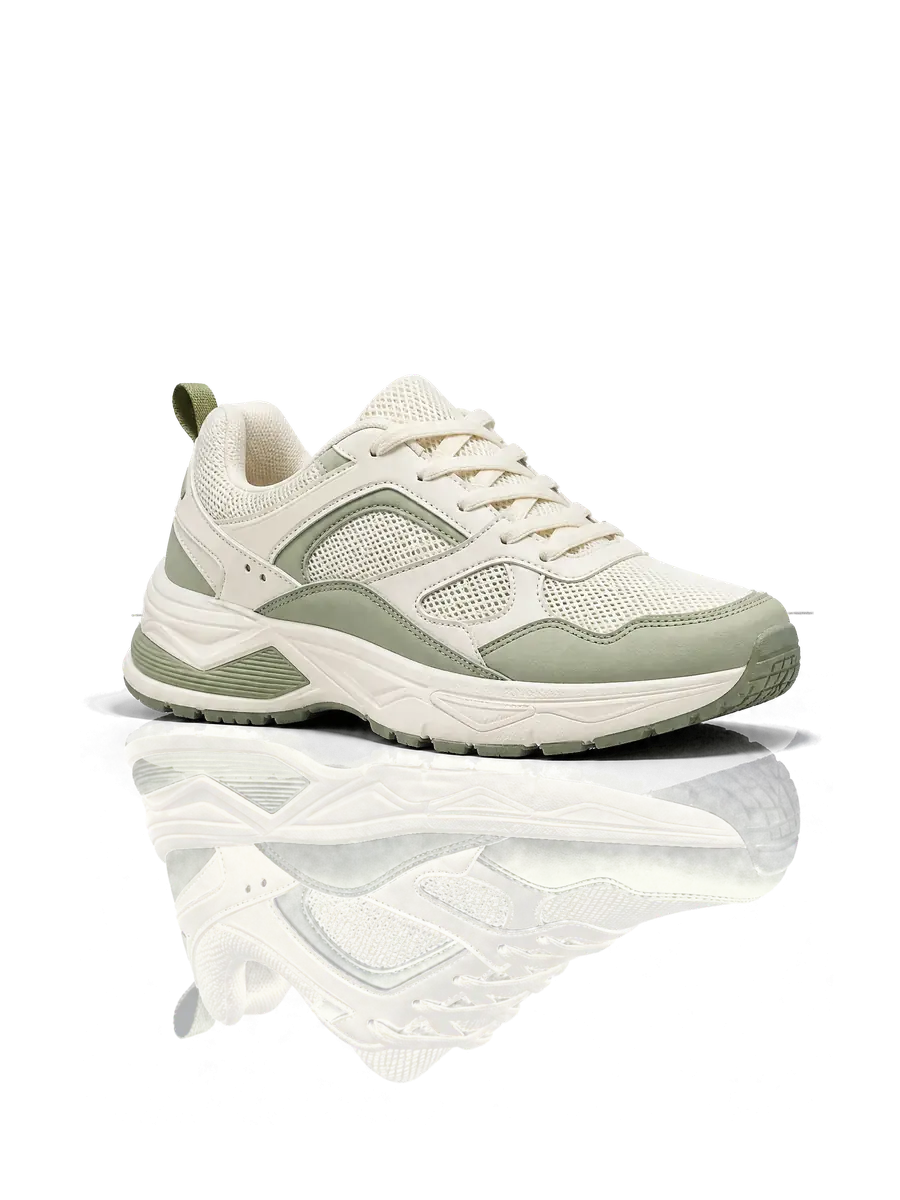
Layers
2/2
Select a layer to see it on its own. Use the eye to hide it and the arrows to change the order.
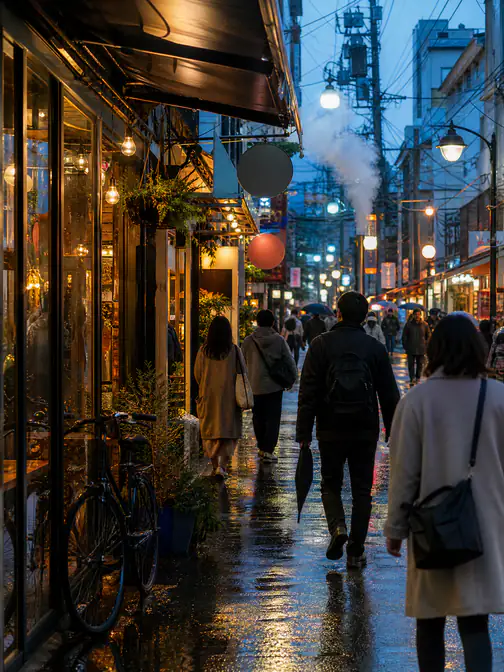
The hard case: a crowded street
Overlapping people are the hardest thing to take apart. Several of them can come out on one layer, and the edges where they touch need a second look — split that layer again, or finish those edges by hand. Better to know that before you upload.
More ways to use it
Image to layer for the file you have
One page per kind of file, each with its own examples — and a free single-layer PSD converter that works in your browser today.
- Convert to PSDPNG to PSD with layersTransparent PNGs, logos and screenshots, transparency kept
- Convert to PSDJPG to PSD with layersProduct shots and phone photos, background filled in
- Convert to PSDWebP to PSD with layersImages saved from websites and social posts
- Convert to PSDAI image to PSD with layersChatGPT and Midjourney images — fix a word, move a part
- CompareCanva Magic Layers alternativeThe same split, with the layers downloaded as PSD or PNG
- GuidesHow to separate an image into layersBy hand in Photoshop or GIMP, or in one step with AI
- Convert from PSDPSD to PNGThe whole picture or every layer as a PNG, in your browser
- Convert from PSDPSD to JPGA PSD as one JPG to share, email or print — no Photoshop
- Convert from PSDPSD to PDFA PSD as a PDF at its print size — one page or one per layer
- Convert from PSDPSD viewerOpen a PSD file online and switch its layers on or off
- AI modelQwen Image Layered onlineThe open Qwen-Image-Layered model online — no GPU, no ComfyUI
How it works
Image to layer in three steps
No masking and no Photoshop skills — image to layer does the cutting. Every layer comes back on the original canvas, so the stack drops straight back into your image.
 aurelia-poster.png
Upload a flat image
A poster, a product shot, a portrait or an illustration — JPG, PNG or WebP.
- Sample · 5 layers
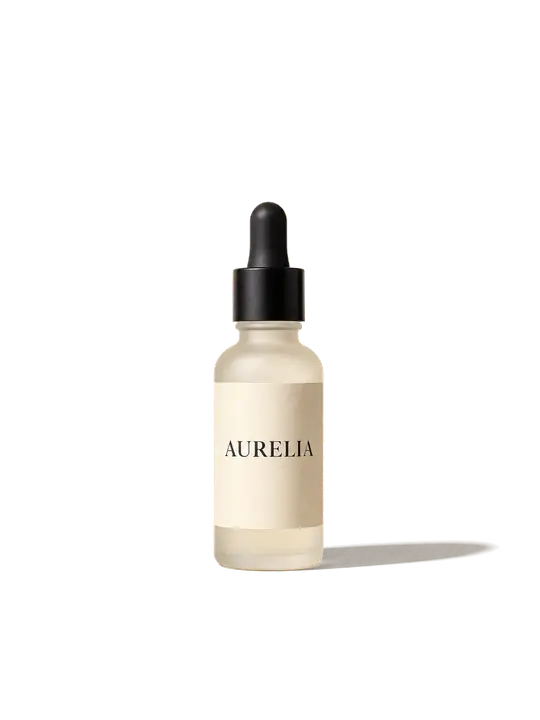
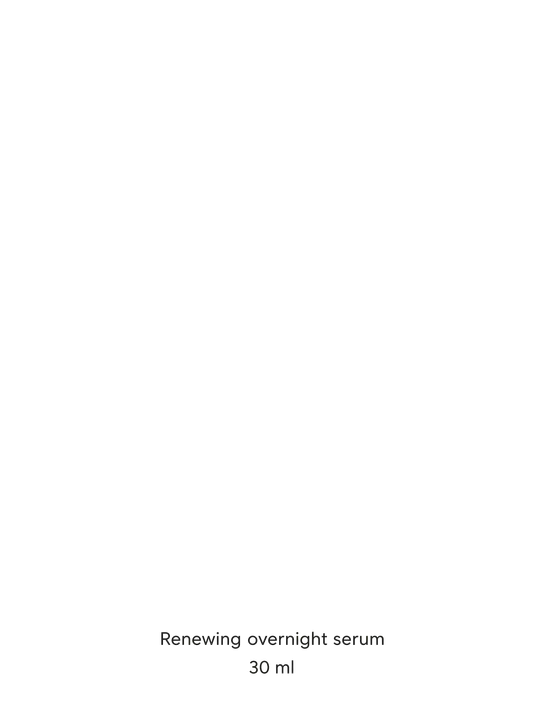
The main elements get their own layers
Subject, text and decoration are separated, and the background is rebuilt behind them.
- PSDaurelia-poster.psdSample
 title
 body text
 decoration
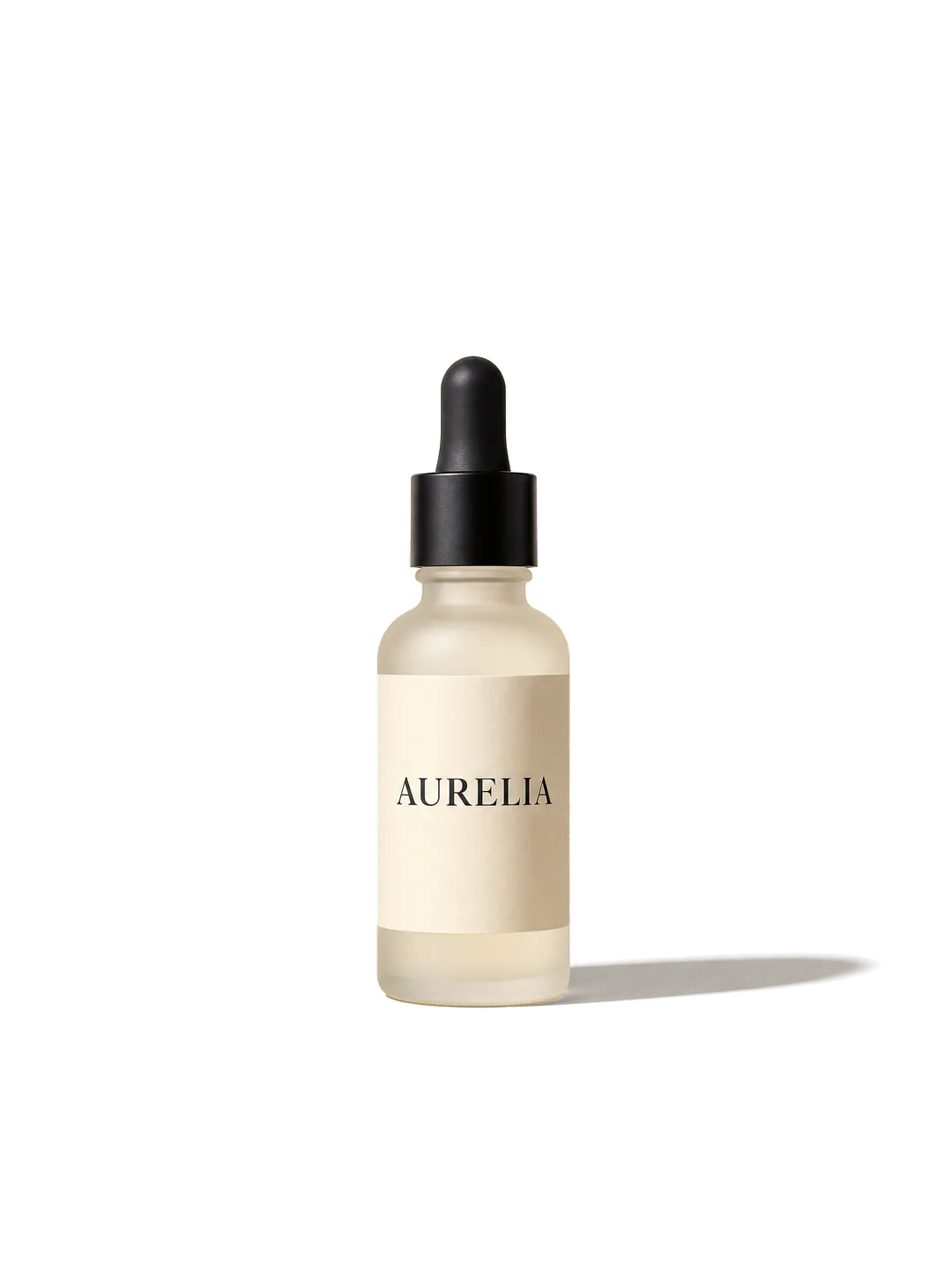 product
- +1 more
Download the layered PSD, PNG or ZIP
Every layer on one shared canvas, ready for Photoshop, Figma, After Effects or CapCut.
 Sample
Hover the image to check its edges at 2.5×.
Rebuilt, and checkable
The background comes back whole — and every layer can be checked.
Take anything off the image and the backdrop behind it is already painted in. On this sample the repainted pixels are hatched — put any layer on alpha, black or white and run the loupe along its edges.
- The background comes back as one complete layer, not a cut-out with holes in it.
- On the samples here, repainted areas are hatched so you can see which pixels are new — check the same edges on your own layers.
What to check
- The rebuilt background may not match the real scene.
- Text is exported as a raster layer, not editable type.
- Hair, glass, smoke and soft shadows deserve a second look.
- Crowded scenes may need one more split.
The hatching marks the rebuilt areas on this sample. Rebuilt pixels are generated, not recovered — check them before you ship.
aurelia-poster
Sample · 5 layers
- titlefull canvas
- body textfull canvas
- decorationfull canvas
- productfull canvas
- backgroundfull canvas
Export
Take the layers with you — as a layered PSD.
Every layer from image to layer is the full canvas at its original position, so they stack back into the image you started with.
Convert by format
Why layers
More than a background remover — a real split into layers.
Background remover, masking by hand or image to layer: three ways to take an image apart, and what each one actually hands you.
| Feature | Background remover | Masking it by hand | Image to Layers |
|---|---|---|---|
| Main subject cut out | Yes | By handBy hand | Yes |
| Main elements on separate layers | No | By handBy hand | Yes |
| Text and graphics separated | No | By handBy hand | Yes |
| Background rebuilt behind objects | No | By handBy hand | Yes |
| Aligned on the original canvas | Yes | By handBy hand | Yes |
| Time and skill | Seconds | 20–60 min, Photoshop | One upload |
Your image, and what happens to it.
Images you upload for image to layer and the layer files made from them are deleted automatically 30 days after upload, on every plan and pack.
Deleting a chat removes it from your chat list; its files go on the schedule above. To have the images you uploaded and the layers made from them erased sooner, email us from your account address and we will delete them; layer files hosted by the model provider follow its own retention policy.
There are no public galleries or share pages. Your files sit behind long, unguessable links — but anyone who has a link can open the file, and the links are passed to the model providers that process your request.
Uploads and image to layer runs need a signed-in account, and uploads are rate-limited. We do not collect device fingerprints.
Pricing
Pay per run, not per layer.
Every run costs 10 credits, whether your image comes back as 2 layers or 8 — that is all there is to image to layer pricing. Failed runs are refunded.
Starter
$9.90/mo, billed yearly
450 runs a year, delivered monthly
Pro
$14.90/mo, billed yearly
1,100 runs a year, delivered monthly
Studio
$35.90/mo, billed yearly
3,000 runs a year, delivered monthly
No subscription? Credit packs start at $1.99 for 2 runs.
FAQ
Image to layer questions, answered
Short answers about what image to layer gives you back, how good it is, and what happens to your image.
Split your first image into layers.
Save any image as a PSD for free, right in your browser — or split it into editable layers right here.
Free PSD save · layer splitting with any plan