Free PSD to JPG converter — no Photoshop, nothing uploaded
Convert PSD to JPG free in your browser: the whole design flattened onto white, as one JPG you can email, post or send to print. The PSD is read on your device and never uploaded, and you do not need Photoshop.
- Transparent areas become white — JPG has no transparency.
- Saved at high quality (92), so text and edges stay crisp.
- Need one element on its own? Every layer can be saved as a PNG too.
Only have a flat image and need it the other way round, in layers? Image to layer splits it into a layered PSD.
Sample · Product poster
 background
 product
 decoration
 body text
 title
title
A PSD holds the picture and its 5 layers: save the picture as one JPG, or each layer as a PNG on the original canvas.
Your layers open in the tools you already use




Examples
PSD to JPG: finished designs, ready to share
What a flat image turns into: the stack on the left, every layer on the right. Download the sample as a layered PSD and open it yourself.
Product poster
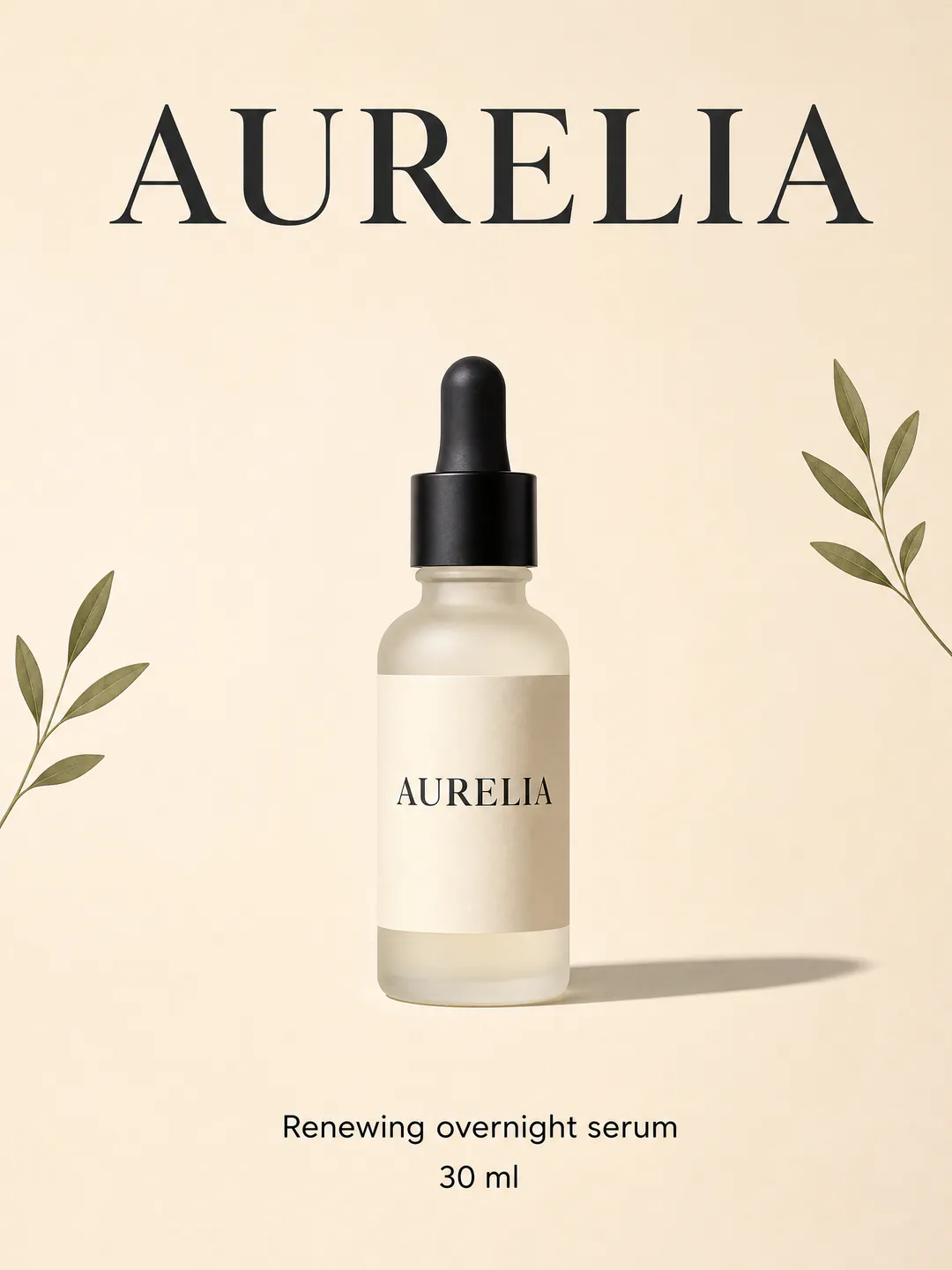
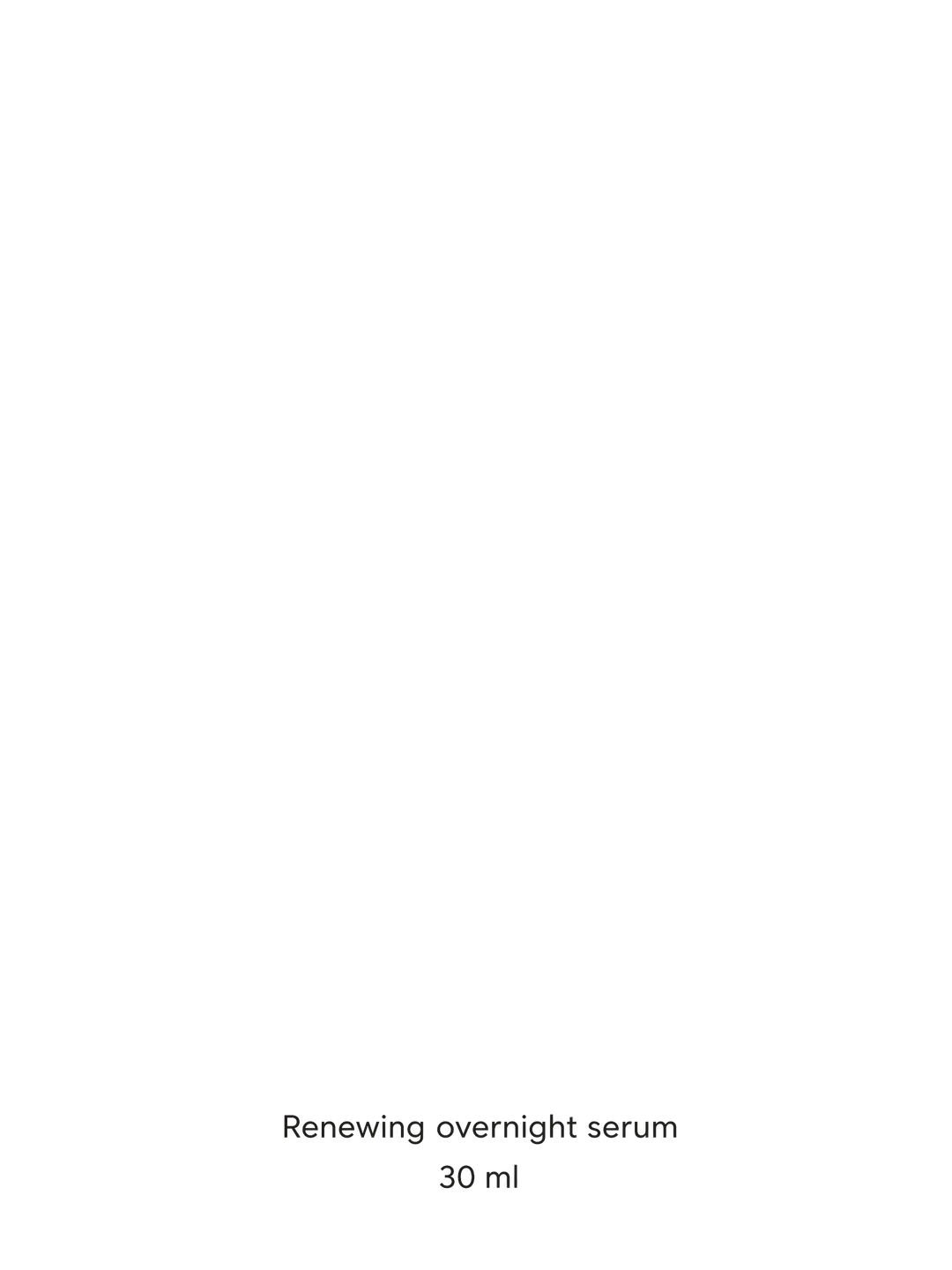
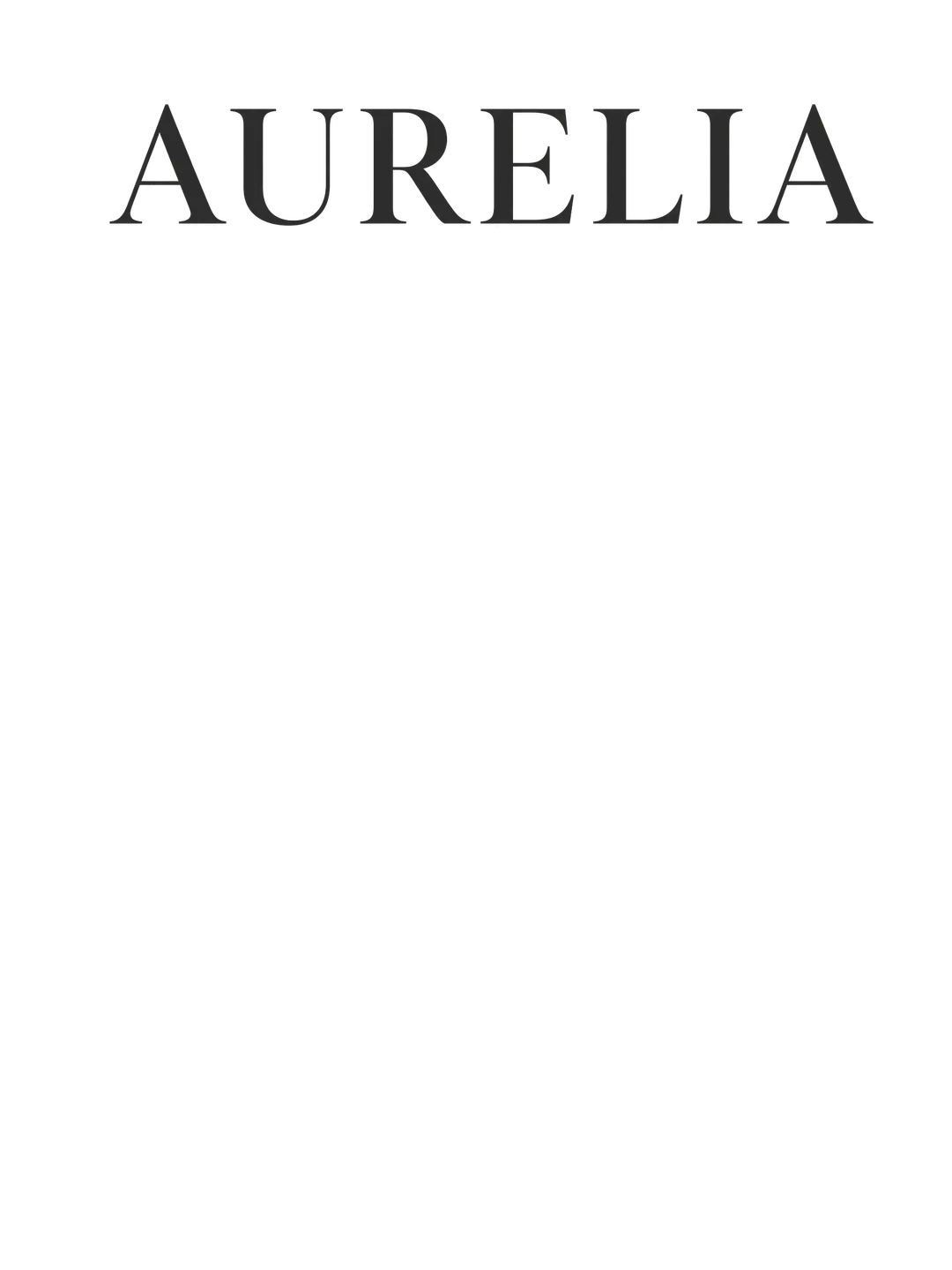
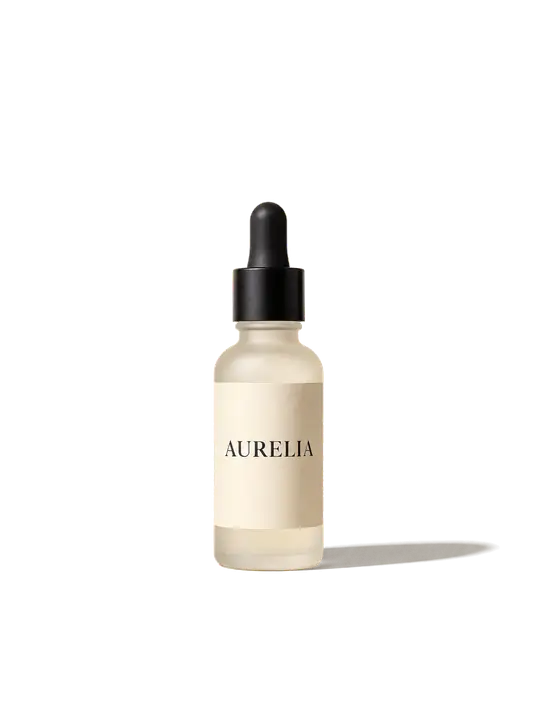
A serum poster: backdrop, bottle, olive sprigs, caption and the AURELIA headline are layers in the PSD. The JPG is the finished poster, ready to post or print.
- titleAURELIA headline in a high-contrast serif
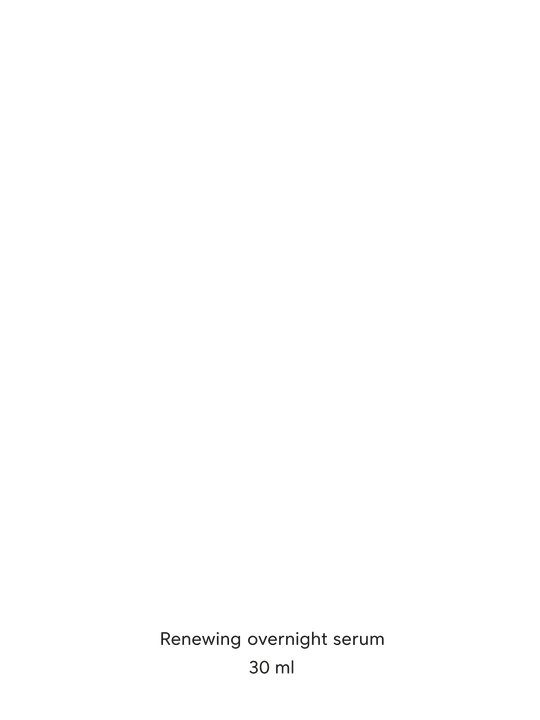
- body texttwo-line caption: product name and volume
- decorationtwo olive sprigs in the side margins
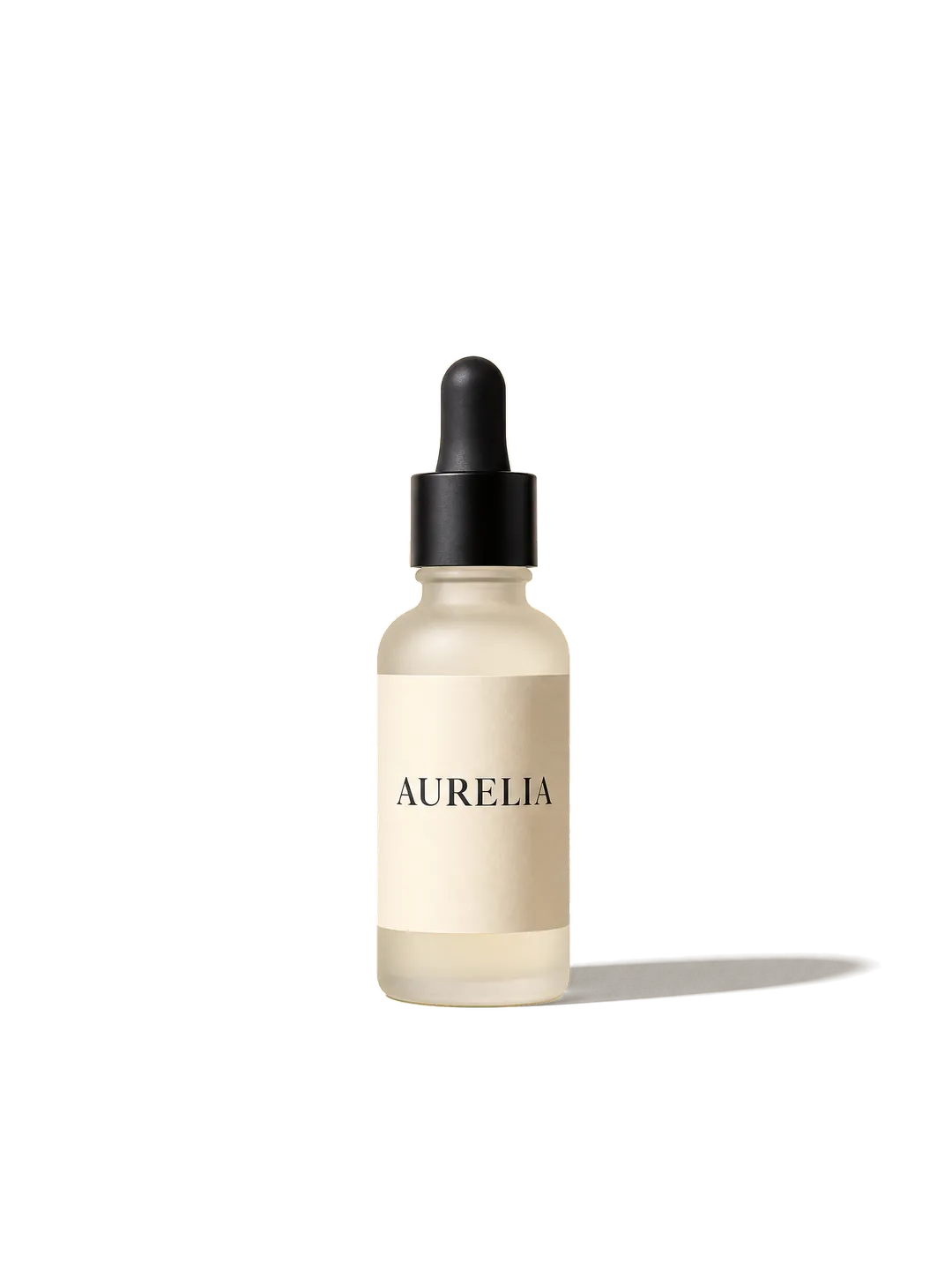
- productfrosted glass dropper bottle with a paper label
- backgroundwarm cream backdrop, rebuilt behind the bottle, title and sprigs
5 named layers, built in your browser as a standard PSD for Photoshop, Photopea and GIMP.
JPG output
What changes when a PSD becomes a JPG
JPG is the format every phone, inbox and print shop opens. Three things are different from the PSD you started with.
originaldecorationbody texttitleTransparent areas turn white
JPG has no alpha channel, so anything transparent in the PSD is filled with white before the JPG is saved. For a logo or a sticker that must stay see-through, use the PSD to PNG page instead.
 original
 product
The picture as Photoshop last saved it
When the PSD was saved with "Maximize Compatibility" — Photoshop’s default — it stores the finished picture, and that is what becomes the JPG, effects and all. Without it, the picture is rebuilt from the visible layers and their opacity; blend modes, layer styles and adjustment layers are then left out, and the tool tells you.
A smaller file, at quality 92
A layered PSD can run to tens of megabytes; one flattened JPG of the same design is usually a small fraction of that. The JPG is saved at quality 92 — high enough that text and fine edges stay crisp, small enough to email.
RGB for screens and most printing
The JPG is RGB, which is what websites, phones and most online print services expect. A print shop that asks for CMYK will convert it on their side — or export CMYK from Photoshop yourself. Either way you do not need Photoshop to convert PSD to JPG for everyday use.
How it works
How to convert PSD to JPG
 aurelia-poster.png
Drop the PSD
From Photoshop, Photopea, GIMP or Affinity — it is read in your browser.
- Sample · 5 layers
Check the picture
You see the size and the layers before anything is saved.
- PSDaurelia-poster.psdSample
- title
- body text
- decoration
- product
- +1 more
Download the JPG
One flattened JPG on white, ready to share, email or print.
Who it is for
Who needs PSD to JPG
Clients reviewing a design
A designer sent the PSD, but your computer cannot open it. Turn it into a JPG to look at it, comment on it or forward it.
Online sellers
Marketplaces and shops take JPG product photos. Export the retouched photo from its PSD without opening Photoshop.
Photographers
Send finished edits to a client or a print lab as JPGs, straight from the layered files.
Social media managers
Posters and posts designed in Photoshop need to go out as JPG. Convert the file you were given and post it.
One JPG, or the design in layers
A PSD to JPG converter flattens every layer into one picture — right for sharing, wrong for editing. If you later need to change one part of a JPG, you need it in layers again: image to layer splits a flat image back into a layered PSD with AI.
JPG: the design flattened, ready to share
- Layer 1
PSD: every part on its own layerSample
- title
- body text
- decoration
- product
- background
FAQ