Free AI JPG to PSD converter — with layers
Convert a JPG to PSD free in your browser — or get a layered PSD: AI puts the subject and the background of a product shot or phone photo on separate layers, the background filled in behind the subject.
Drop an image here
JPG and JPEG · HEIC from iPhone · also PNG and WebP · up to 10 MB
- The converter here turns phone photos the right way up from their EXIF orientation.
- Photos over 4096 px on the long edge are scaled down in your browser first — you are told when.
- iPhone HEIC photos convert where the browser can read them (Safari can); a layer split takes JPG, PNG or WebP up to 10 MB.
Only need the file format? Once you choose an image you can save it as a single-layer PSD, made in your browser.
Sample · Product photo
 background
 product
One JPG in, 2 transparent layers out — every one on the original canvas, so they stack back into the picture.
Your layers open in the tools you already use








Examples
JPG to PSD, layer by layer
What a flat image turns into: the stack on the left, every layer on the right. Download the sample as a layered PSD and open it yourself.
Product photo
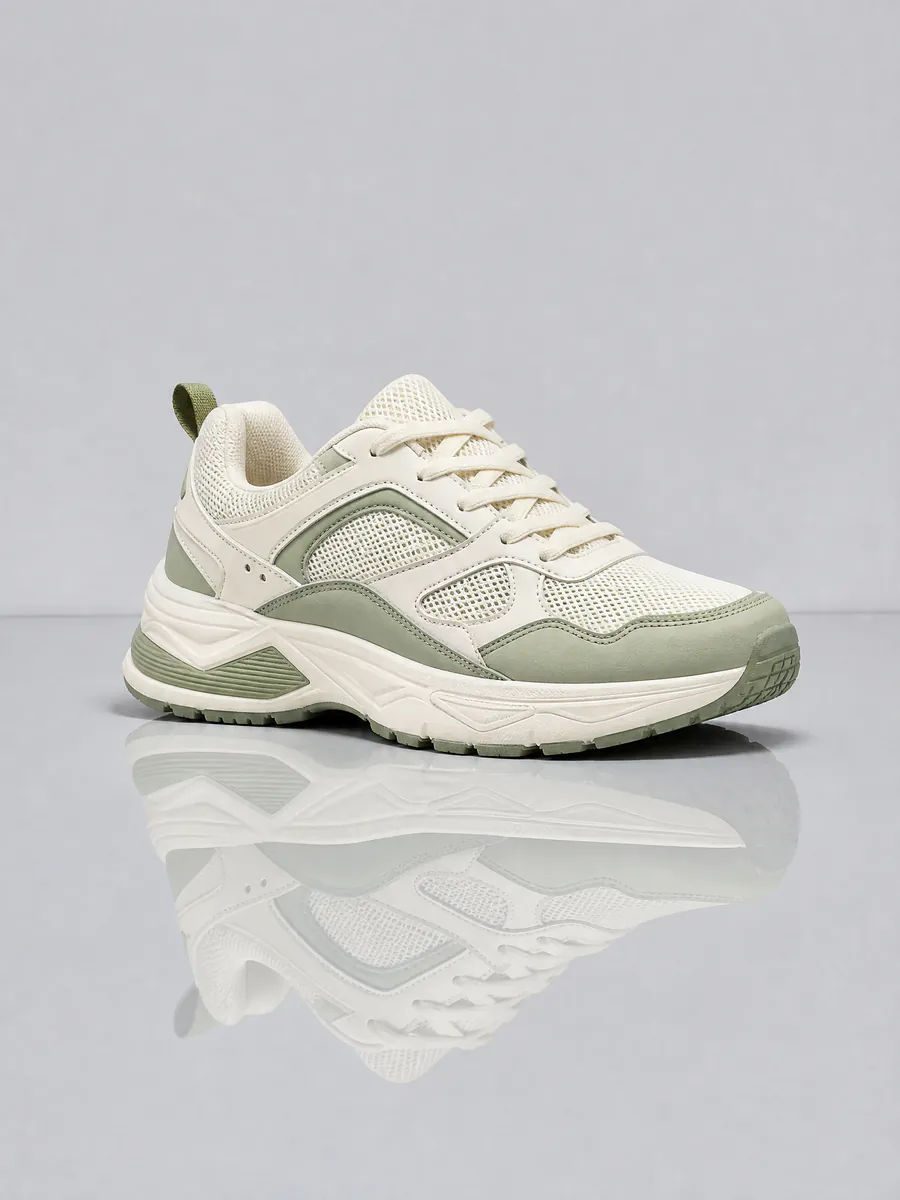
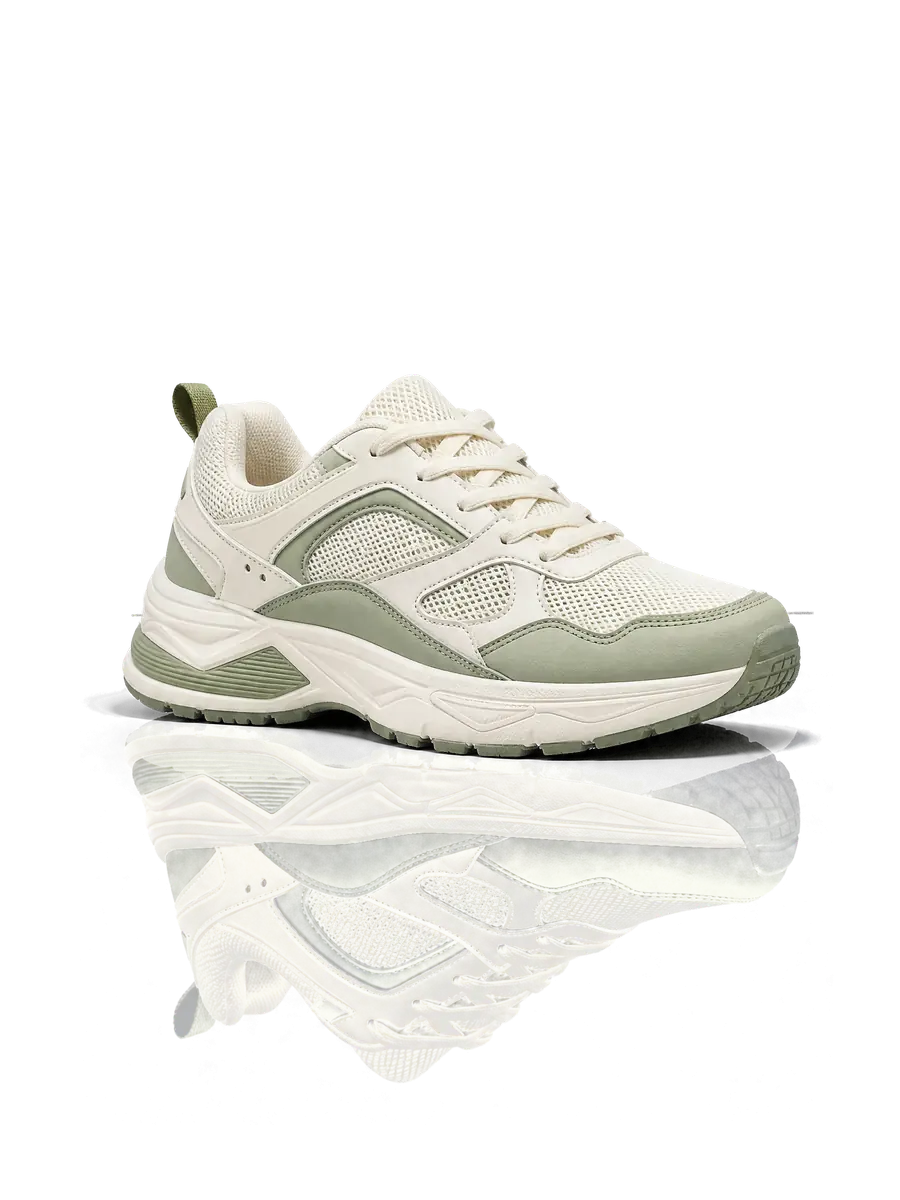
The shoe on one layer, the studio wall and floor on another, filled in where the shoe stood.
- productcream and sage running shoe, three-quarter view
- backgroundpale grey wall and glossy floor with a horizon line, rebuilt behind the shoe
2 named layers, built in your browser as a standard PSD for Photoshop, Photopea and GIMP.
JPG photos
What JPG compression means for the layers
Most photos are JPGs, and a few of their habits decide how clean the layers come out.
originalproductCompression noise sits on the edges
JPG saves space by smoothing fine detail into small blocks. Along a product’s outline that shows up as faint blocky noise, and a layer cut from it carries the noise along. Start from the highest-quality JPG you have — and if the same image exists as a PNG, use that instead.
 original
 blocks
 toy car
Phone photos come out the right way up
Phones often store a photo sideways and record which way is up in its EXIF data. The converter here reads that tag in your browser before anything else, so the PSD does not open on its side in Photoshop.
Large JPGs and the 10 MB limit
Layer Agent takes JPG, PNG or WebP files up to 10 MB and does not resize them — a bigger file is refused, so export a smaller JPG first. The layers can come back smaller than the photo. The free converter on this page works in your browser instead: anything over 4096 px on the long edge is scaled down first, and it tells you when.
Any image to PSD
JPG is only the most common case. PNG and WebP go through the same upload; iPhone HEIC photos work in the browser converter, and for a split you attach a JPG instead. The PNG to PSD and WebP to PSD pages cover what is specific to those formats.
How it works
How to convert JPG to PSD with layers
 sneaker-product-photo.jpg
Upload the JPG
A product shot, a portrait, a phone photo — up to 10 MB.
- Sample · 2 layers
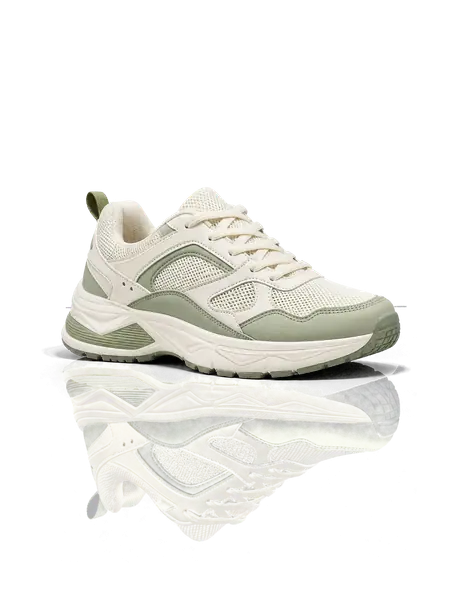
Subject and background separate
Each on its own transparent layer, aligned on the original canvas, the background filled in where the subject stood.
- PSDsneaker-product-photo.psdSample
- product
- background
Open the PSD and edit
Swap the background, move the product, change its colour — in Photoshop, Photopea or GIMP.
Who it is for
Who needs a JPG in layers
Online sellers
Put one product shot on every marketplace’s template: once it is split, the product is a layer of its own, so it can be moved, scaled and set on any background.
Photographers
Retouch subject and backdrop independently once they are apart, instead of masking by hand before every edit.
Phone photo editors
A photo straight off the phone, the right way up, turned into layers you can rearrange.
Anyone who needs a PSD
A client or a print shop asked for a PSD and all you have is a JPG. Hand over a PSD with real layers — or a plain single-layer one, converted here in seconds.
One layer, or the photo in layers
Most JPG to PSD converters put your photo into a PSD as one layer. If the file type is all you need, that is enough — and you can do it here, in your browser. Layers are for changing what is in the photo, which is the job image to layer was built for.
Single-layer PSD: the photo as one layer
- Layer 1
Layered PSD: product and background apartSample
- product
- background
FAQ
JPG to PSD questions
Split your photo into real layers.
Or convert it to a single-layer PSD right now — the photo never leaves your browser.
Choose a JPG