Free PSD to PNG converter — the picture or every layer
Convert PSD to PNG free, right in your browser: save the whole picture as one PNG with its transparency, or every layer as a PNG of its own. The PSD is never uploaded, and you do not need Photoshop.
- Transparency is kept: empty areas stay empty in the PNG.
- Every layer can be saved as its own PNG, in place on the full canvas.
- Hidden layers are listed too, crossed out — they are not in the picture.
Only have a flat image and need it the other way round, in layers? Image to layer splits it into a layered PSD.
Sample · Game sprite
 background
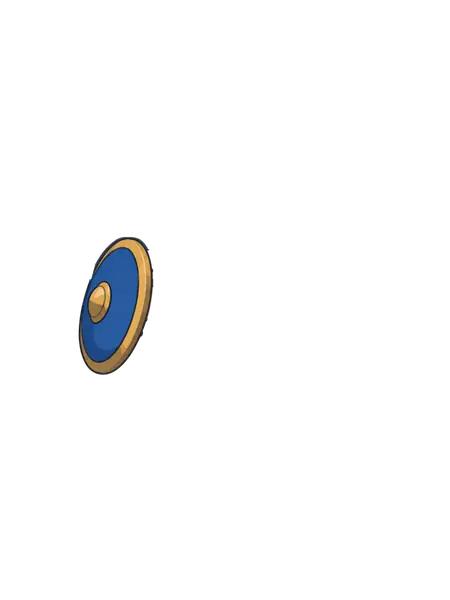
 shield
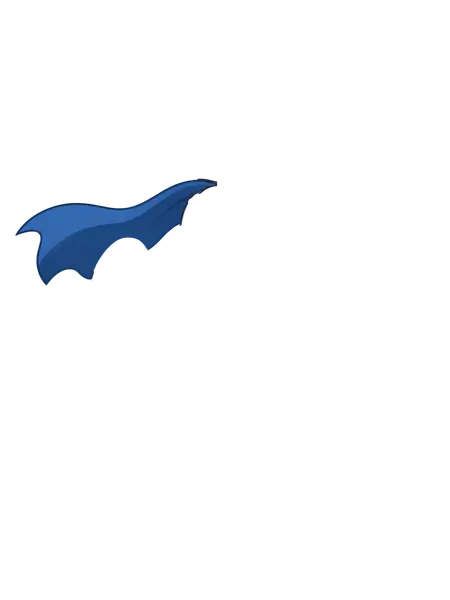
 cape
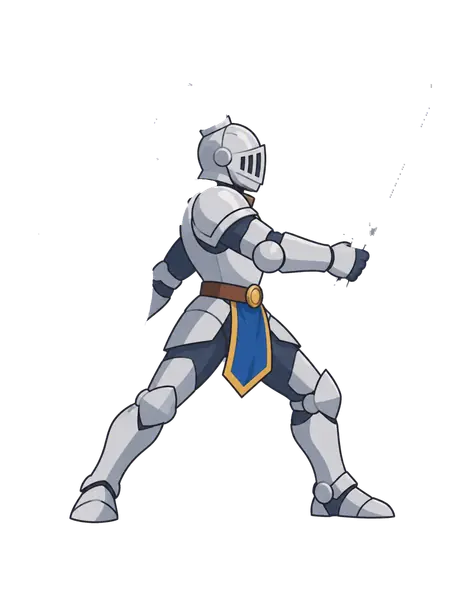
cape body
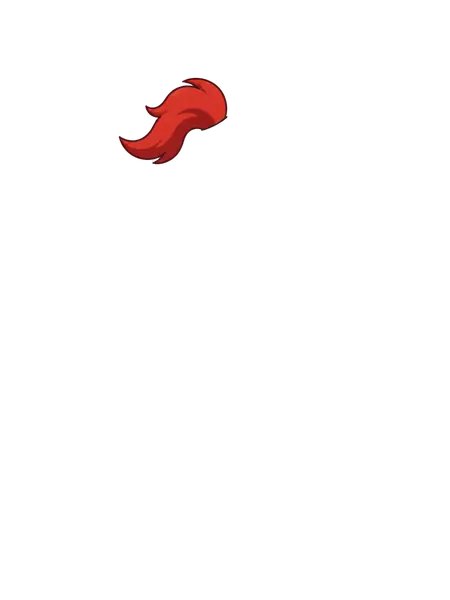
body plume
plume sword
sword
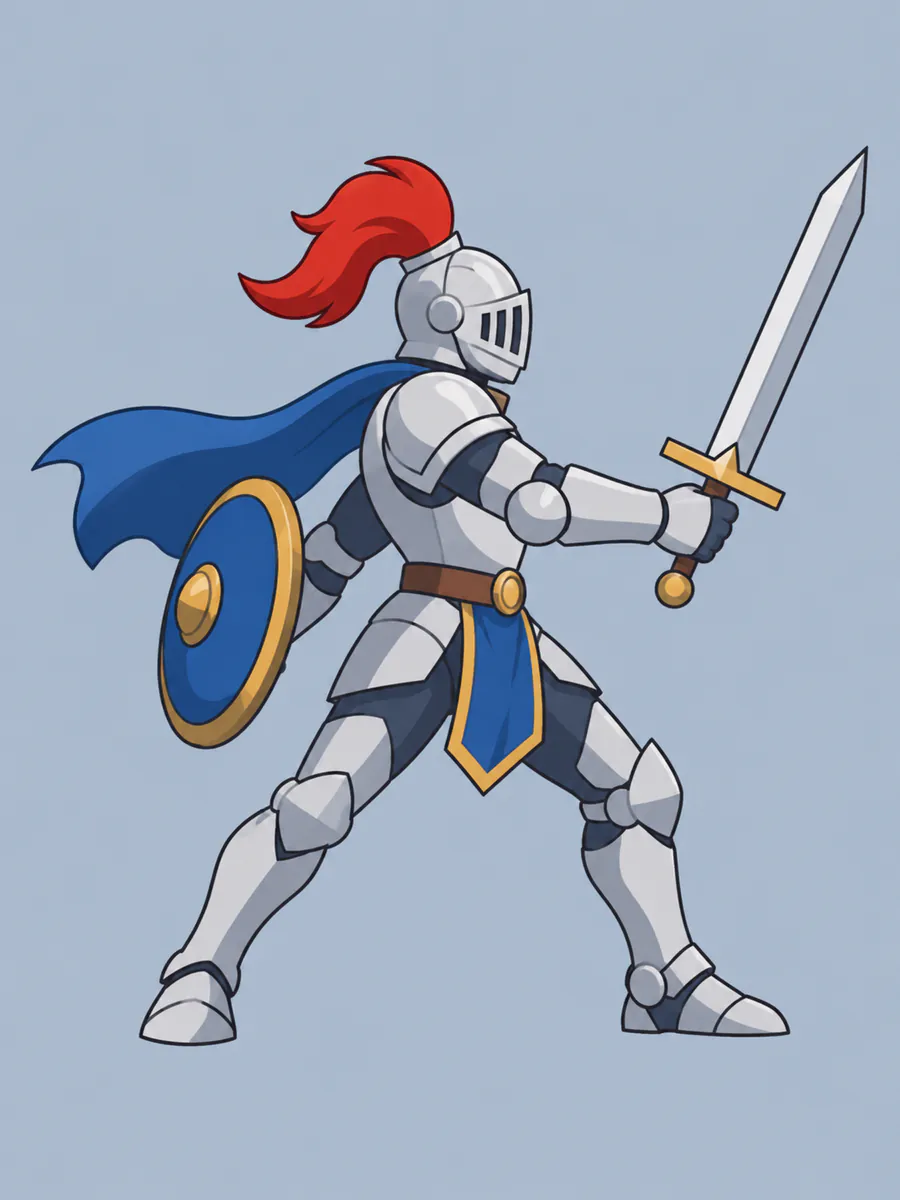
A PSD holds the picture and its 6 layers: save the picture as one PNG, or each layer as a PNG on the original canvas.
Your layers open in the tools you already use





Examples
PSD to PNG: the picture, and the layers inside it
What a flat image turns into: the stack on the left, every layer on the right. Download the sample as a layered PSD and open it yourself.
Game sprite
A side-scroller knight in six layers. Save the whole sprite as one PNG, or the sword, shield, cape and plume as separate PNGs to animate in a game engine.
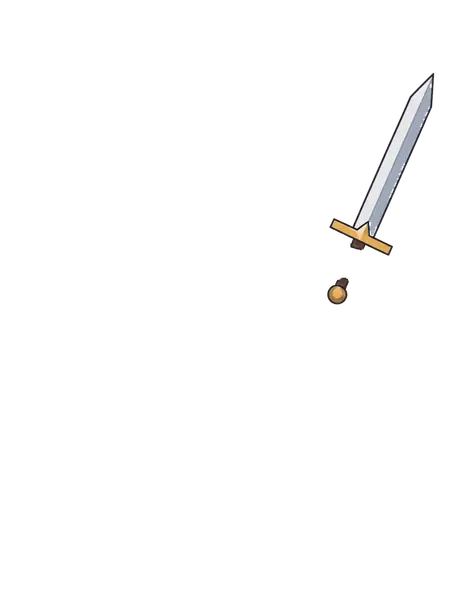
- swordsword with a gold crossguard
- plumered helmet plume
- bodyarmoured knight: helmet, arms and legs
- capeblue cape
- shieldround blue shield with a gold rim
- backgroundgrey-blue background, rebuilt behind the knight
6 named layers, built in your browser as a standard PSD for Photoshop, Photopea and GIMP.
Inside a PSD
What decides how a PSD to PNG conversion looks
A PSD is more than a picture: it holds layers, a stored preview and settings only Photoshop reads. Four of them matter when it becomes a PNG.
 original
 wizard
 staff
staff cat
catTransparency stays transparent
PNG keeps an alpha channel, so a PSD with an empty background becomes a PNG with an empty background — ready for a website, a slide or another design. Need the picture on white instead? The PSD to JPG page flattens it onto a white background.
originalbodyplumeswordEvery layer as its own PNG
Under the main download, every pixel layer of the PSD is listed by name. Each one saves as a PNG the size of the whole canvas with the layer at its original position, so the PNGs stack back into the picture in any editor. Groups are opened up, and hidden layers are listed crossed out.
The stored picture, or one rebuilt from the layers
When "Maximize PSD and PSB File Compatibility" is on — Photoshop’s default — the PSD carries a flattened copy of the picture. That copy is what you download here, so the PNG looks exactly as the design did in Photoshop.
A PSD saved without it has no stored picture, so it is rebuilt from the visible layers and their opacity. Blend modes, layer styles and adjustment layers are not reproduced then, and the tool says so.
Text layers and smart objects
Text and smart objects come out as they last looked in Photoshop: as pixels. You do not need the fonts to convert PSD to PNG, but the words cannot be edited in the PNG.
How it works
How to convert PSD to PNG
 side-scroller-knight.png
Drop the PSD
Saved from Photoshop, Photopea, GIMP or Affinity — the file is read in your browser.
- Sample · 6 layers

Check the picture and its layers
You see the size, the number of layers and every layer by name.
- PSDside-scroller-knight.psdSample
- sword
- plume
- body
- cape
- +2 more
Download the PNG
The whole picture with its transparency, or any single layer.
Who it is for
Who needs PSD to PNG
Web and app developers
A designer sent a PSD and you need the images for a page or an app. Take the picture, or one asset at a time, without Photoshop.
Clients who received a PSD
A PSD from a designer will not open on most computers. Save it as a PNG to look at it, share it or put it in a document.
Social media and marketing teams
Post the finished design: social platforms take PNG and JPG, never PSD.
Game and motion artists
Export each layer as a transparent PNG for a game engine, After Effects or a parallax scene.
One flat PNG, or one PNG per layer
Most PSD to PNG converters hand you the flattened picture and nothing else. This one lists the layers too, so you can take out the one element you need. And when all you have is a flat image and you need its layers back, image to layer splits it with AI.
Flattened PNG: the picture as it looks
- Layer 1
Layer PNGs: each part on its ownSample
- sword
- plume
- body
- cape
- shield
- background
FAQ