Free AI PNG to PSD converter — with layers
Convert a PNG to PSD free in your browser — or turn it into a PSD with real layers, split by AI: the main elements on separate transparent layers, the background filled in behind them. A transparent PNG stays transparent.
Drop an image here
PNG — transparent or not · also JPG and WebP · up to 10 MB
- Transparency is kept: a transparent PNG stays transparent on every layer.
- Palette PNGs (PNG-8) are read as full RGBA.
- Over 4096 px on the long edge? The converter here scales it down in your browser first, and tells you.
Only need the file format? Once you choose an image you can save it as a single-layer PSD, made in your browser.
Sample · Flat illustration
 sky
sky far mountains
 near mountains
 lighthouse
 forest
 foreground
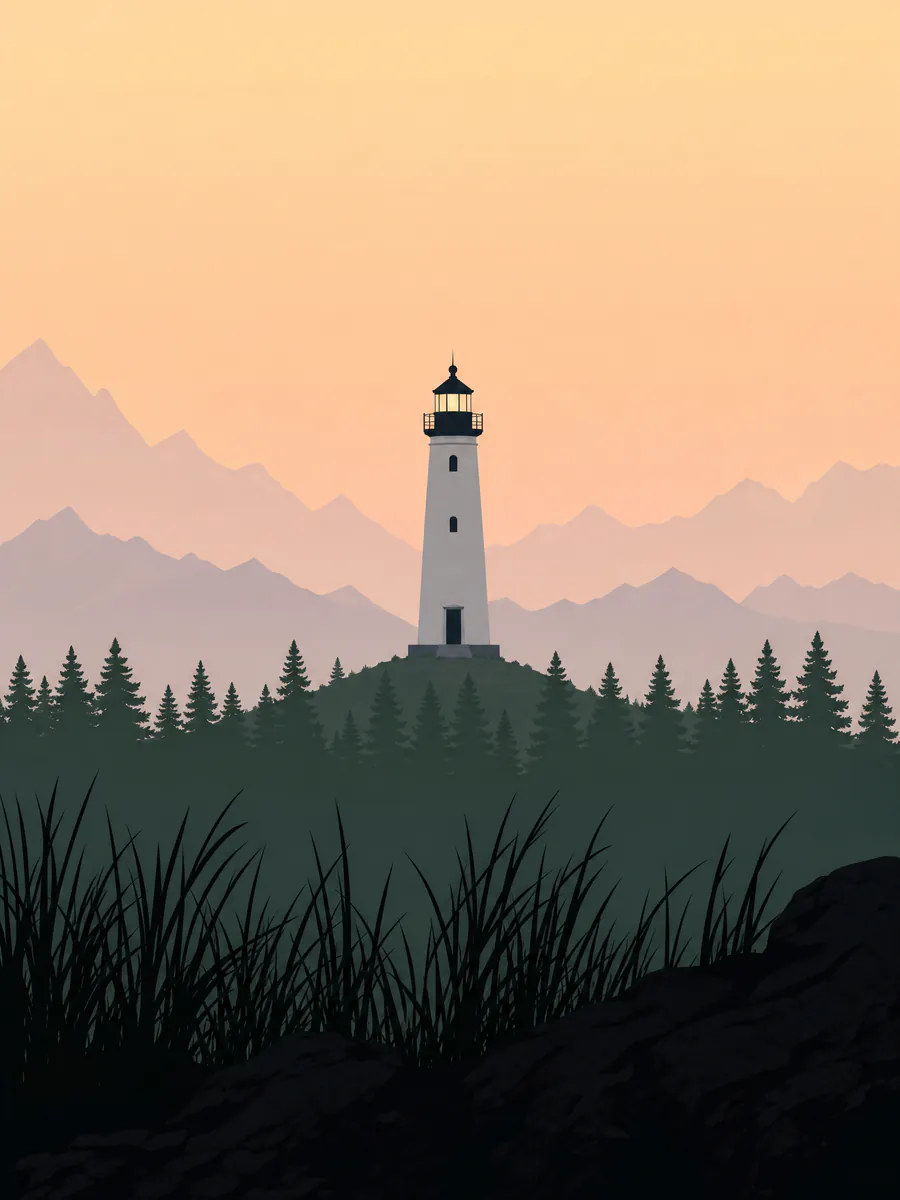
One PNG in, 6 transparent layers out — every one on the original canvas, so they stack back into the picture.
Your layers open in the tools you already use






Examples
PNG to PSD, layer by layer
What a flat image turns into: the stack on the left, every layer on the right. Download the sample as a layered PSD and open it yourself.
Flat illustration
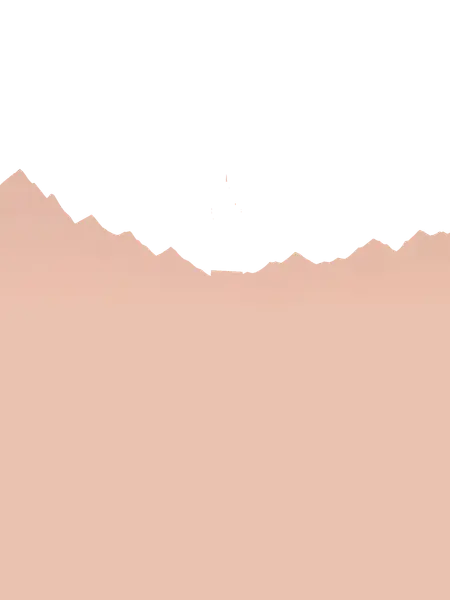
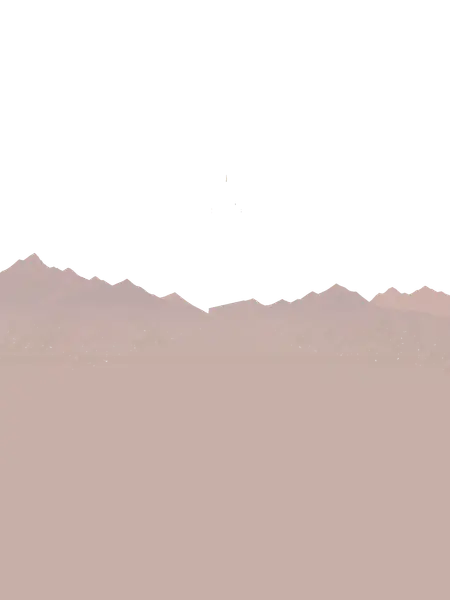
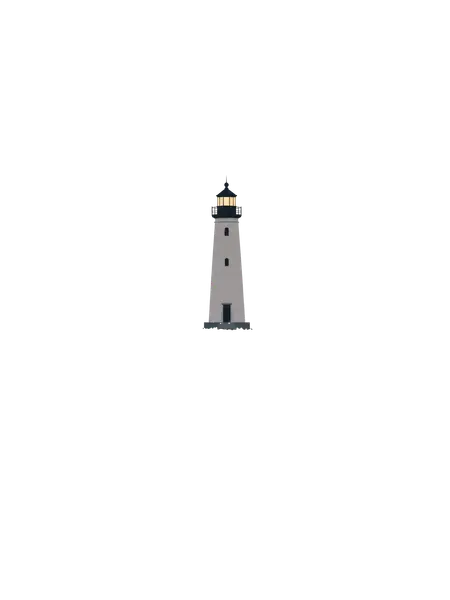
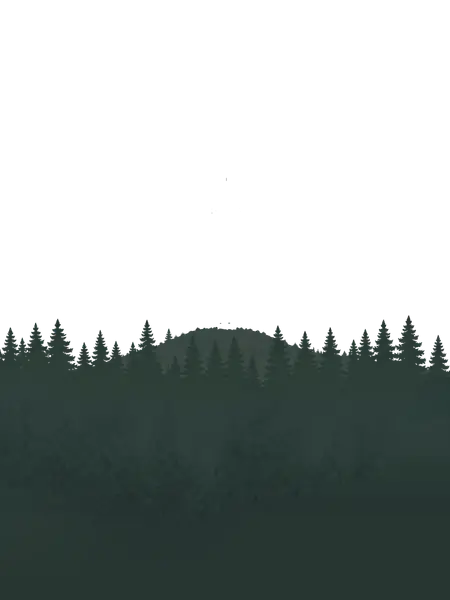
A flat PNG in six layers: the sky, two mountain ridges, the lighthouse, the forest and the grass — every band continued behind the ones in front of it.
- foregroundgrass blades and rocks along the bottom edge
- forestpine forest, the hill and the green haze, continued to the bottom
- lighthouselighthouse with a lit lantern, on its platform
- near mountainsdarker near ridge, continued down behind the forest
- far mountainspale far ridge, continued down behind the nearer layers
- skydusk sky gradient, continued behind the mountains and the lighthouse
6 named layers, built in your browser as a standard PSD for Photoshop, Photopea and GIMP.
PNG and transparency
What happens to PNG transparency
PNG is the format that can be transparent, so that is the first thing a conversion must get right.
 original
 lemon slice
 heart
heart lemon
lemonTransparent PNGs: nothing painted in
A sticker, a logo, a product already cut out: if your PNG has a transparent background, every layer of the PSD keeps it. There is no backdrop behind the objects, so none is painted in.
 original
 background · filled in
Opaque PNGs: the background comes back
A PNG with a solid or illustrated background splits like any other image: the objects come off onto their own layers and the background layer is filled in where they used to be.
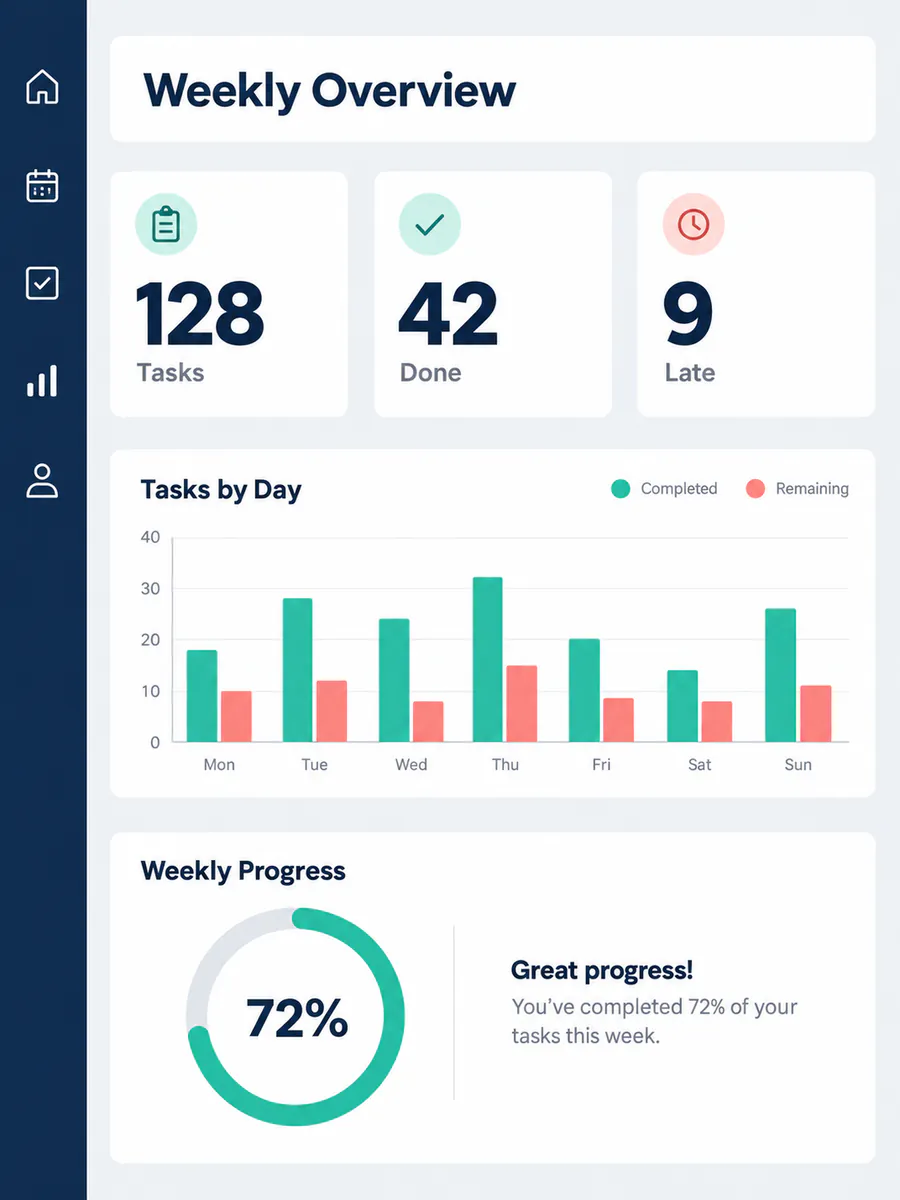
original stat cards
 chart card
 progress card
Screenshots are PNGs
A screenshot splits best when panels, icons and illustrations are clearly apart. Text inside the screenshot comes back as pixels on its own layer — you can move it or delete it, but not retype it. Dense interfaces with overlapping shadows and see-through panels split less cleanly.
Palette PNGs work too
PNG-8 files store a colour palette instead of full colour. They are read as full RGBA first, so their layers come back as ordinary 8-bit RGB layers with transparency.
How it works
How to convert PNG to PSD with layers
 lighthouse-illustration.png
Upload the PNG
Transparent or opaque, exported from Figma, an AI tool or a screenshot.
- Sample · 6 layers

The main elements come apart
Subject, graphics and background go onto separate transparent layers, all on the original canvas.
- PSDlighthouse-illustration.psdSample
- foreground
- forest
- lighthouse
- near mountains
- +2 more
Download the layered PSD
Or one PNG per layer. Open it in Photoshop, Photopea, GIMP or Affinity Photo.
Who it is for
Who needs a PNG in layers
Designers without the source file
The PSD is gone and only the exported PNG is left. Get the pieces back as layers instead of rebuilding the design from nothing.
Sticker, logo and asset makers
Transparent artwork with several parts — split it into a layered PSD to recolour one part, rearrange the pieces or reuse them elsewhere.
Anyone exporting from AI tools
Most image generators hand you a PNG. A layered PSD turns it back into something you can edit rather than regenerate — the AI image to PSD page covers fixing text and prompting for clean splits.
People editing screenshots
Pull a panel, an icon or an illustration out of a screenshot for a mock-up, a slide or a tutorial.
One flat layer, or the picture in layers
A plain PNG to PSD converter wraps your PNG in a PSD as a single layer. That is the right answer if all you need is the file type — you can do exactly that here, in your browser. Layers are for when you need to change what is in the picture, and that is what image to layer does.
Single-layer PSD: the PNG as one layer
- Layer 1
Layered PSD: each part on its own layerSample
- foreground
- forest
- lighthouse
- near mountains
- far mountains
- sky
FAQ
PNG to PSD questions
Turn your PNG into layers.
Or convert it to a single-layer PSD right now — it never leaves your browser.
Choose a PNG